Logging in and Resetting Passwords
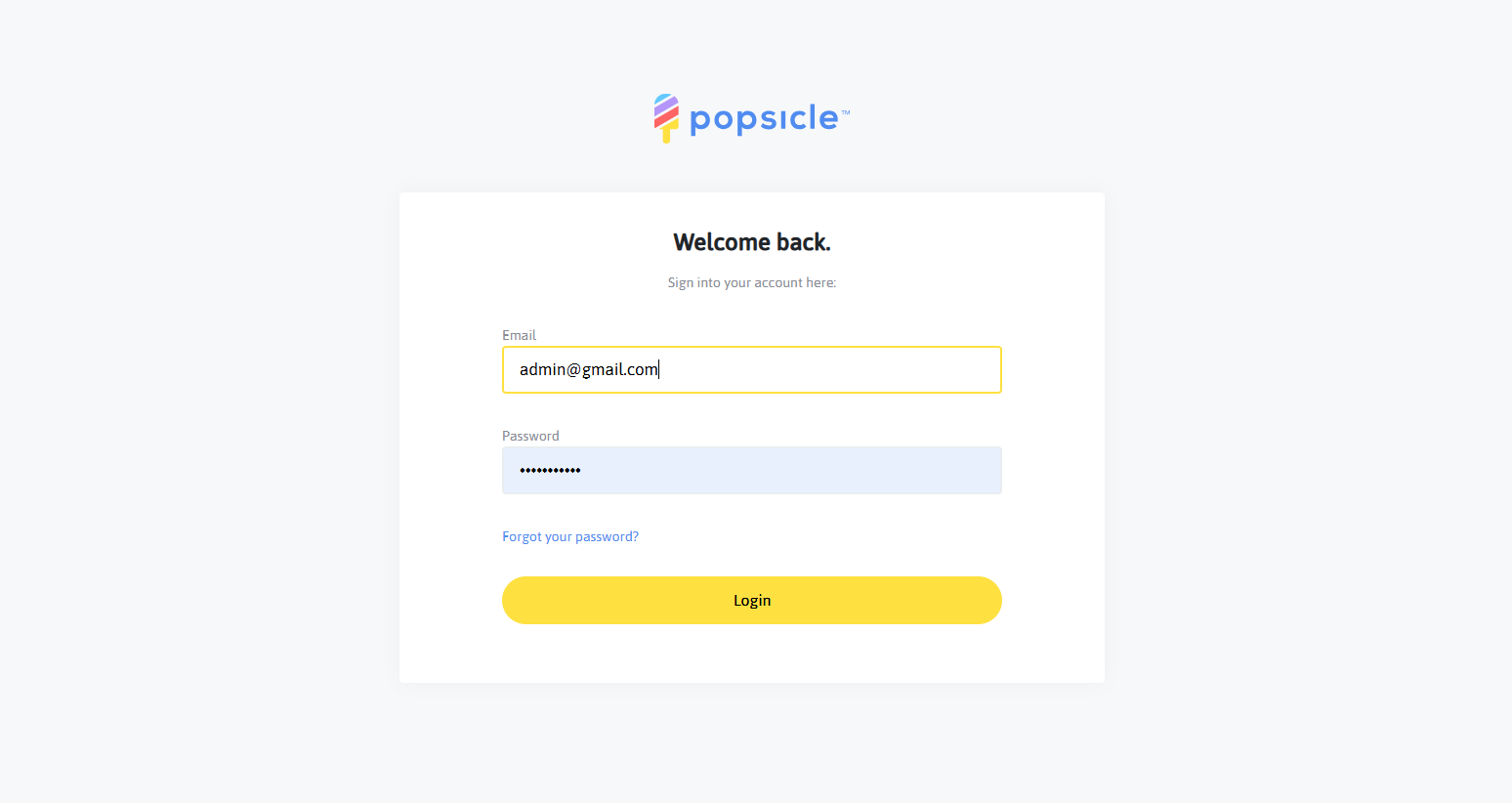
To log into your Popsicle Admin account, you will go to https://popsicle.app/schools/login, and enter your login information to access your account:
To edit the personal information in your Popsicle account, you will first need to click on the "gear" icon along the left side of the screen to view your Settings. Once there, underneath the "Profile" subheading, you will see the "Personal Info" section, which is where you can update your information as well as resetting your email and your password as well!
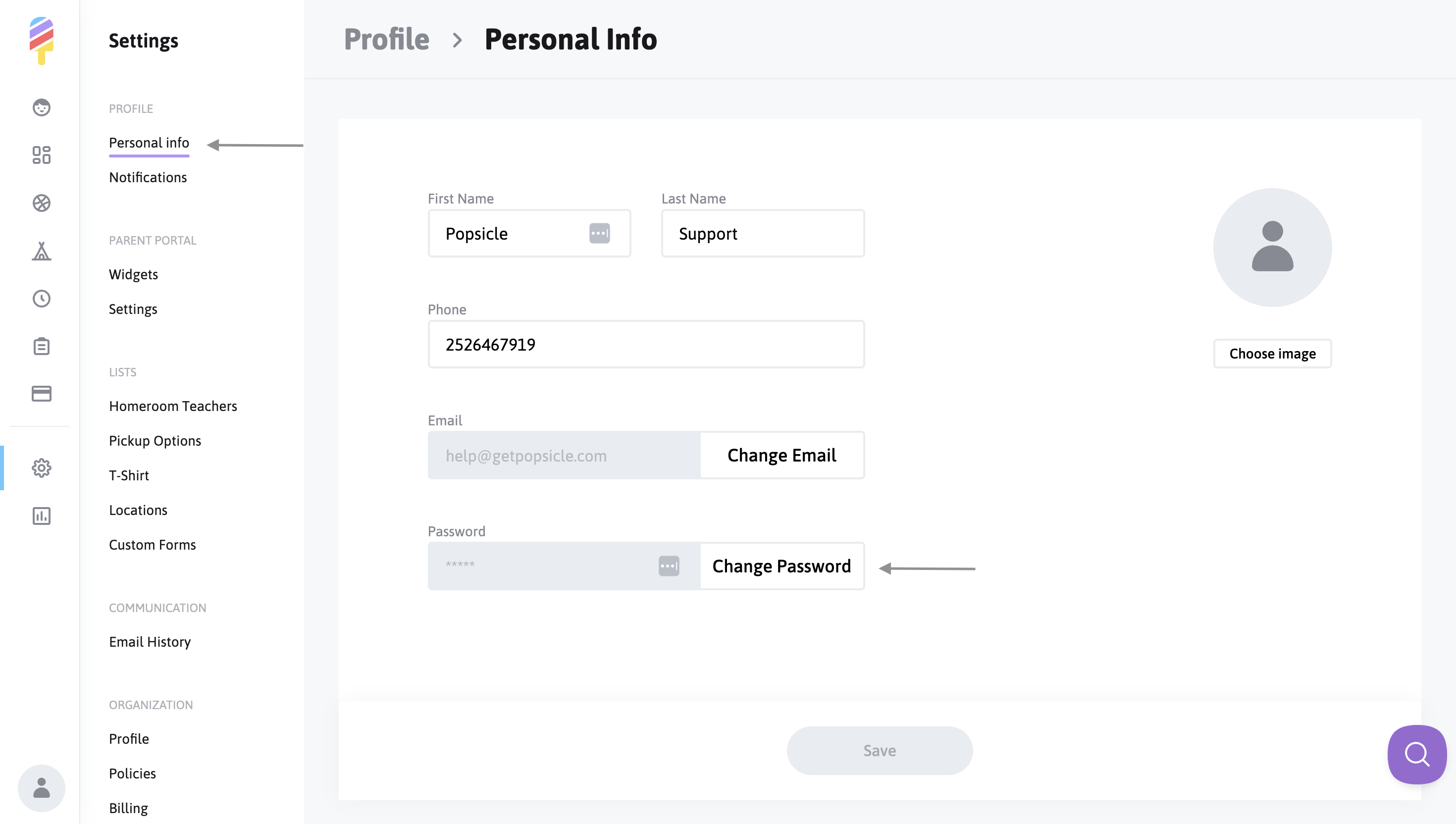
**Please note, this is very important** Once you've clicked on the "Change Email" or "Change Password" options, you will receive an email that will contain a link that you must click on and open to complete this process.
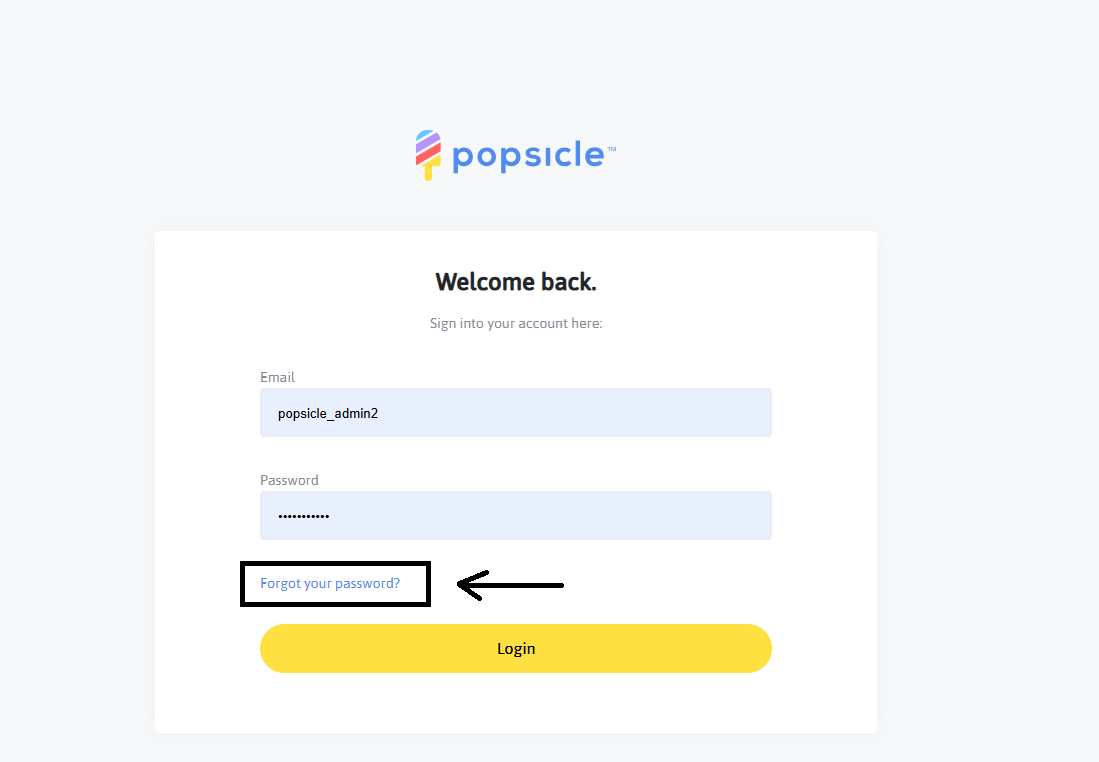
If at any time you forget the password to your account, you can request a password reset email from the Login page at any time, here: